
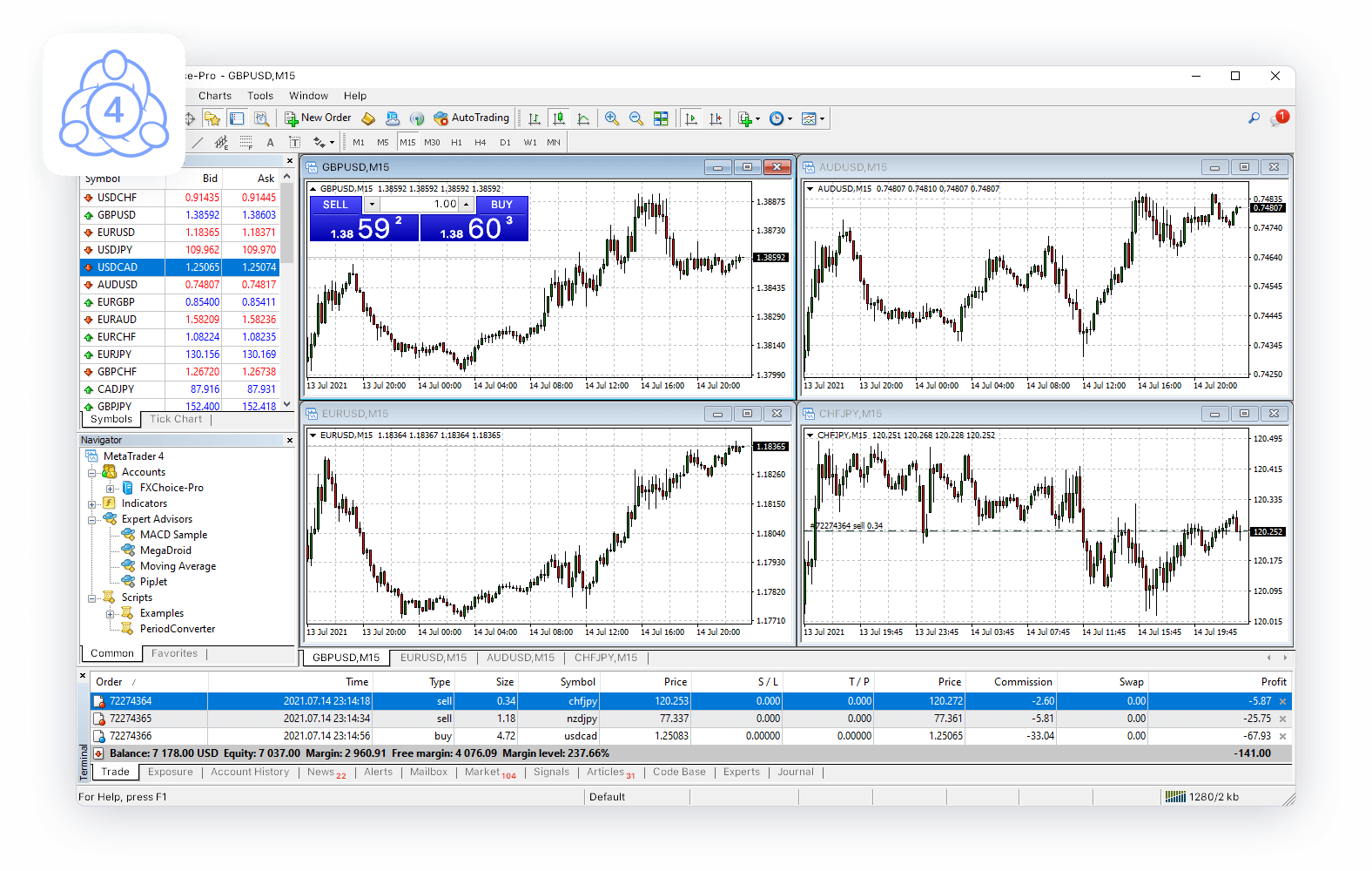
In the world of forex and stock trading, having the right tools can make all the difference. MetaTrader 4 (MT4) is one of the most popular trading platforms globally, renowned for its user-friendly interface and robust analytical capabilities. Among the various tools available on MT4, Fibonacci tools stand out for their ability to help traders identify potential support and resistance levels. This article explores how to effectively use Fibonacci tools on metatrader 4 for windows to enhance your trading strategy.
Understanding Fibonacci Tools
Fibonacci tools are based on the Fibonacci sequence, a series of numbers where each number is the sum of the two preceding ones. In trading, Fibonacci retracement and extension levels are used to predict potential reversal points by identifying key levels of support and resistance. These levels are derived from the ratios between numbers in the Fibonacci sequence, such as 23.6%, 38.2%, 50%, 61.8%, and 100%.
How to Use Fibonacci Retracement in MetaTrader 4
One of the most common Fibonacci tools is the Fibonacci retracement. Here’s a step-by-step guide to using it in MT4:
1. Identify a Trend: Before drawing Fibonacci retracement levels, you need to identify a clear trend—either upward or downward.
2. Select the Fibonacci Tool: On the MT4 toolbar, click on the “Insert” menu, then navigate to “Fibonacci” and select “Retracement.”
3. Draw the Levels: Click at the beginning of the trend (the swing low for an uptrend or the swing high for a downtrend) and drag the cursor to the end of the trend. The Fibonacci levels will automatically appear.
4. Analyze the Levels: The retracement levels (23.6%, 38.2%, 50%, 61.8%, and 100%) act as potential support or resistance points. Traders often look for price action signals at these levels to make trading decisions.
Using Fibonacci Extensions in MetaTrader 4
Fibonacci extensions are used to identify potential profit targets. Here’s how to apply them:
1. Identify the Trend: Just like with retracements, start by identifying a clear trend.
2. Select the Fibonacci Extension Tool: Go to the “Insert” menu, choose “Fibonacci,” and then “Expansion.”
3. Draw the Extensions: Click at the start of the trend, drag to the end of the trend, and then click again at the retracement point. This will plot the extension levels.
4. Set Profit Targets: The extension levels (usually 61.8%, 100%, 161.8%, and 261.8%) provide potential profit targets. Traders often use these levels to plan their exits.
Conclusion
Fibonacci tools on MetaTrader 4 offer traders a powerful way to analyze market movements and make informed trading decisions. By understanding how to properly use Fibonacci retracement and extension levels, traders can identify key support and resistance points, set profit targets, and improve their overall trading strategy. As with any tool, practice and experience are essential to mastering its use effectively. Happy trading!